Introducing Visualizer App Create immersive product experiences from your 3D assets in minutes.
Learn More

Transform any 3D model into an engaging interactive experience using Synode's web-based studio. Add hotspots, callouts, exploded views, documents, videos, and product information without coding to create compelling experiences for marketing, sales, training, and service.
Get Started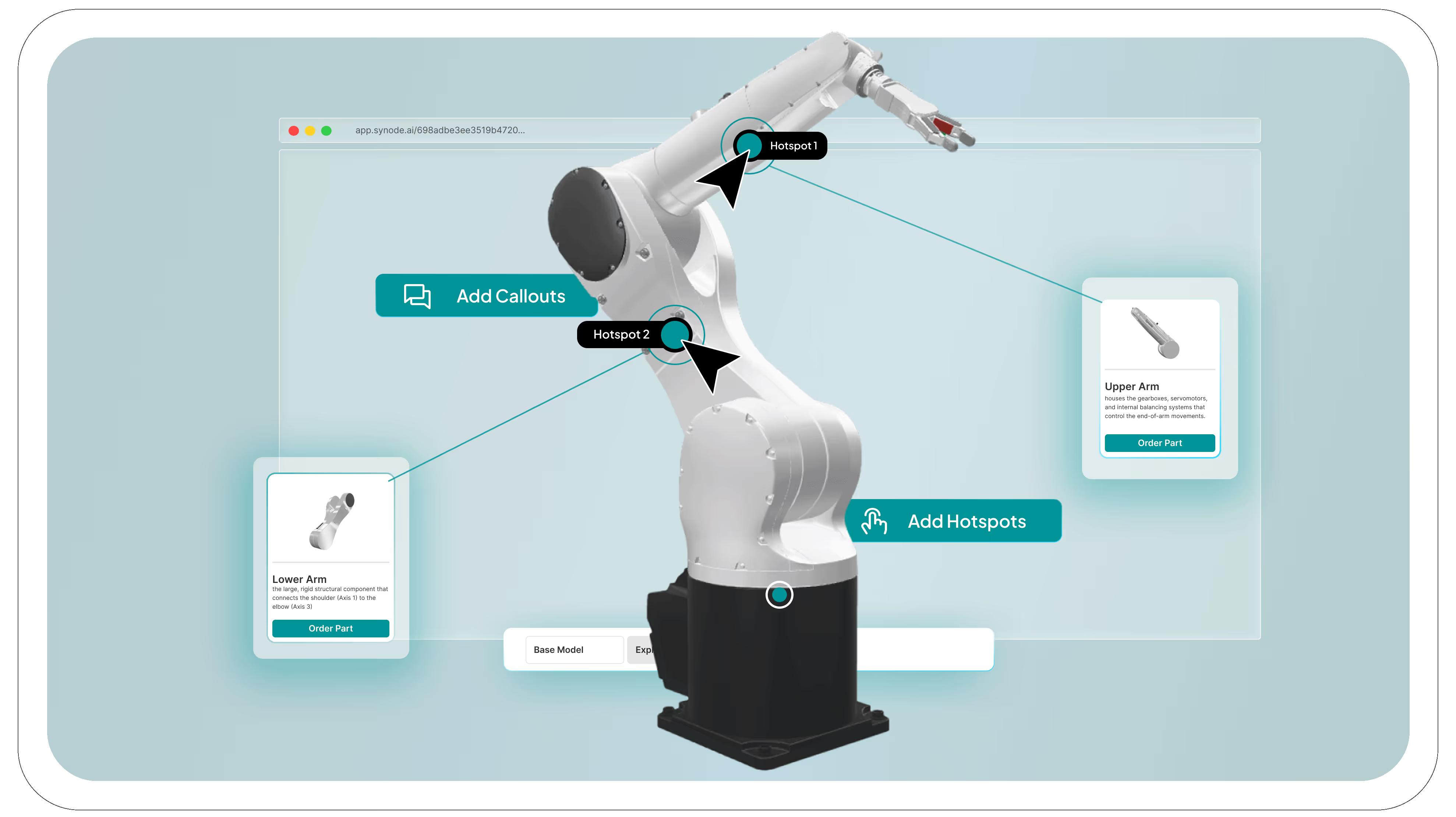
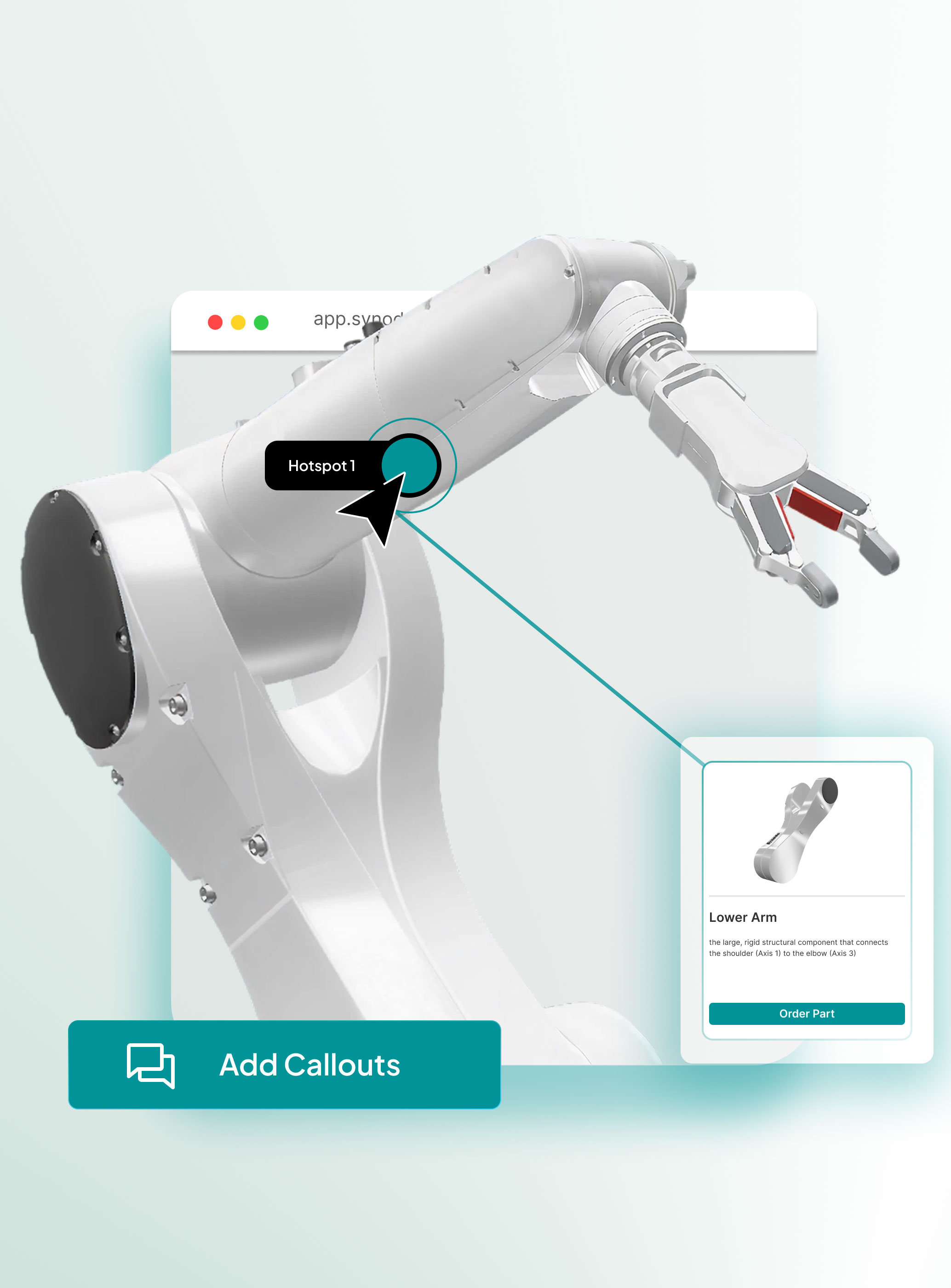
Place hotspots anywhere on your 3D model and attach images, videos, documents, specifications, and more.
Build guided experiences with callouts, exploded views, and contextual information that help users understand your product faster..
Create content in a single studio and deploy it across sales, marketing, product education, support, and servicing applications.
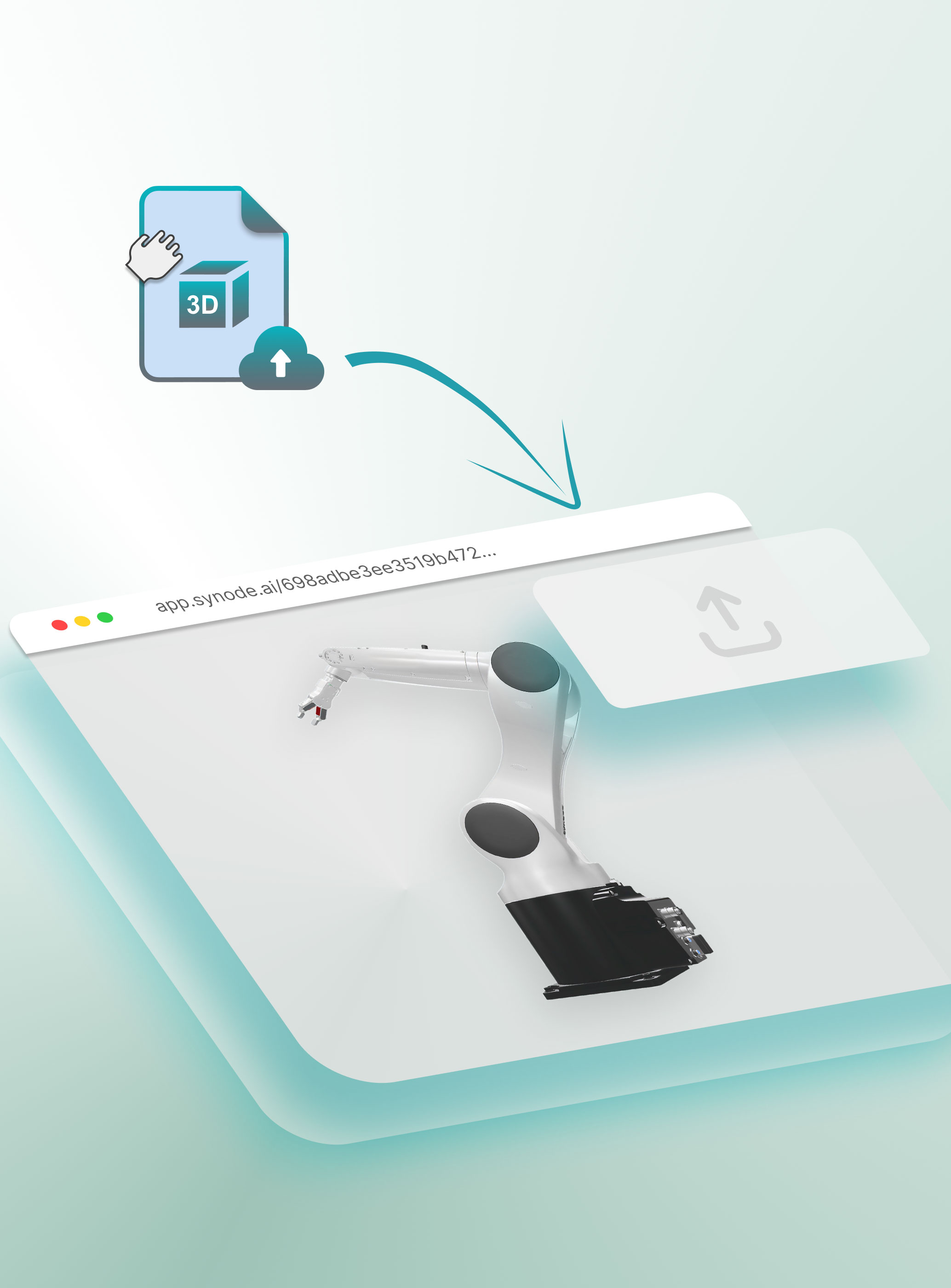
Import your CAD or 3D assets and prepare them for interactive product experiences without complexity.
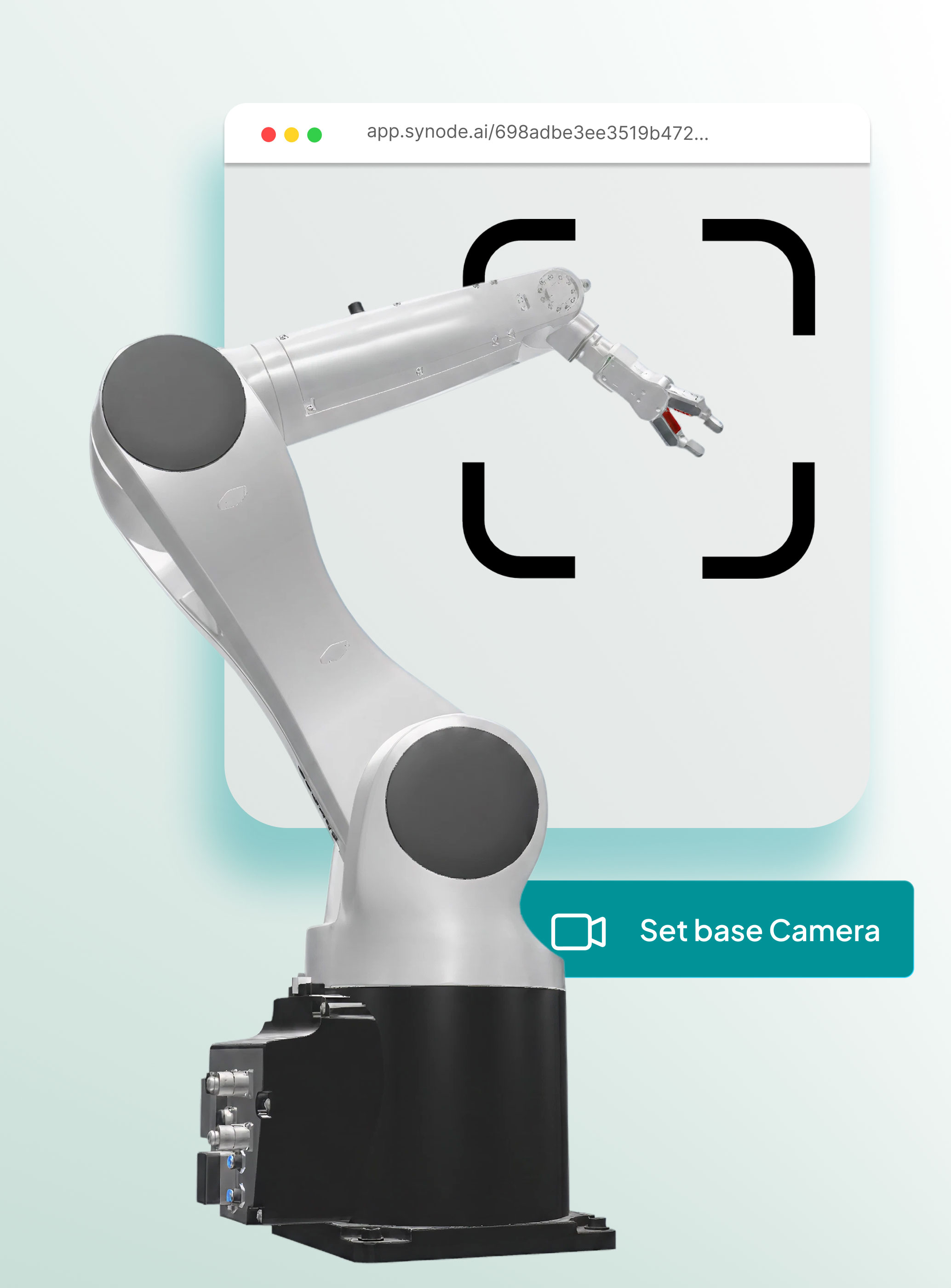
Define the ideal viewing angles and perspectives to guide users toward the most important features and product details.
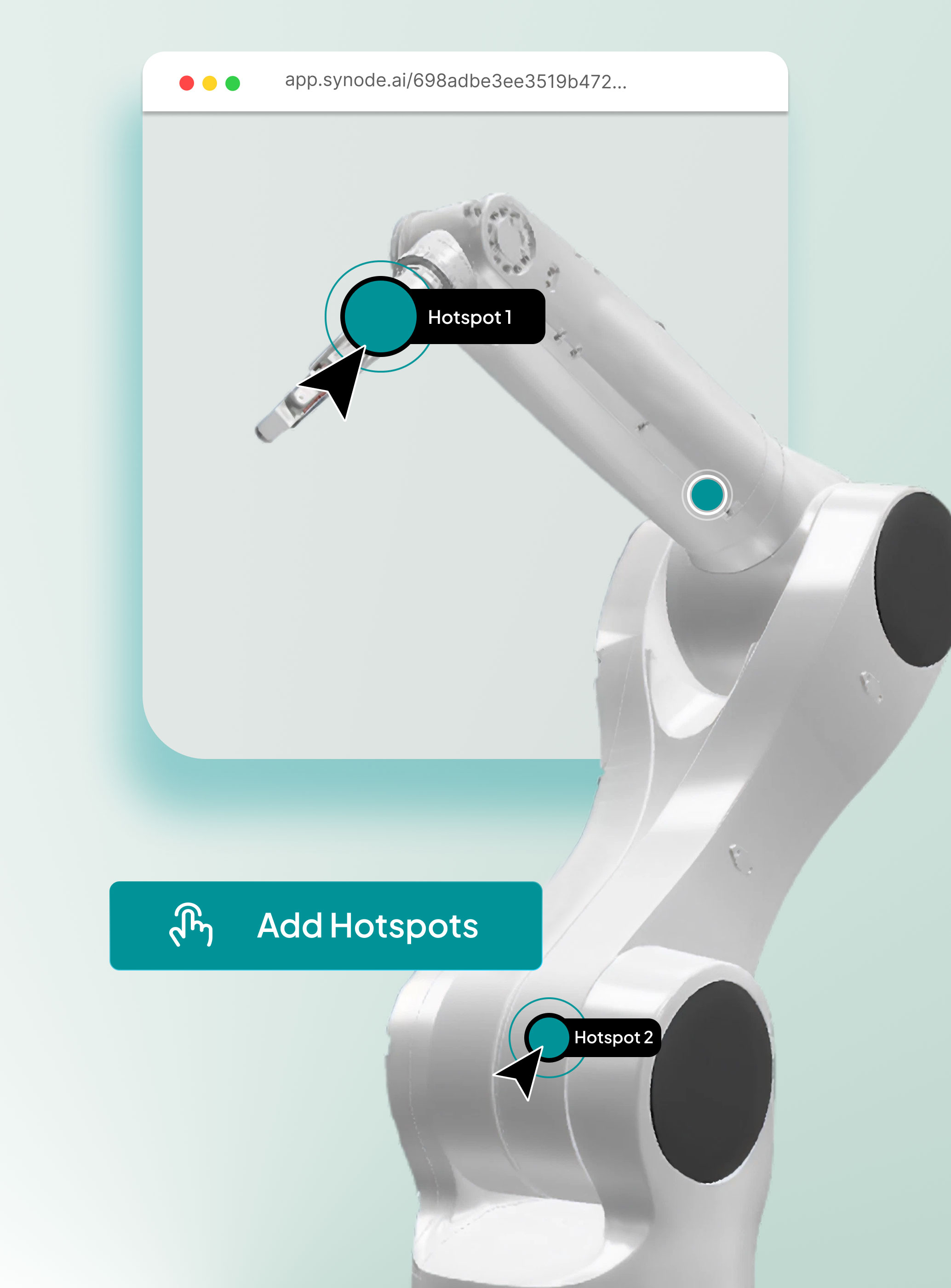
Place clickable hotspots directly on your product to reveal specifications, features, components, or additional content.
Highlight key innovations, design decisions, and product benefits with contextual annotations that improve understanding.
Publish your experience and share it instantly across websites, sales presentations, training materials, and customer touchpoints.
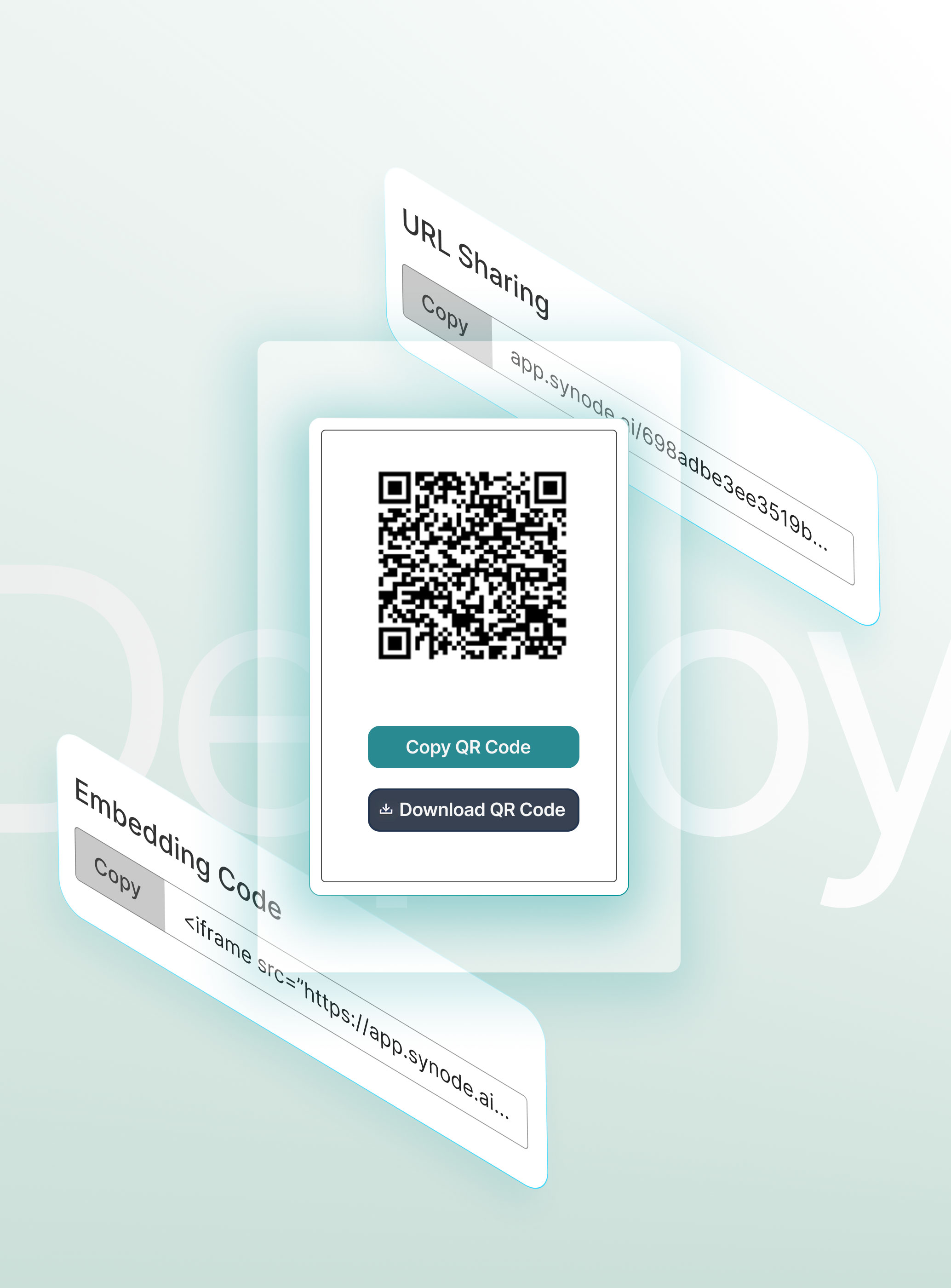

Embed everywhere
You can connect Synode like a youtube video in your website, private intranet or via our integrations like Shopify
For all use cases: Customers, partners, employees
Share your 3D step by step visuals as training moduls, installation manuals or marketing visualizations for clients.

Analytics
Keep track and analyze what is being done with your 3D visualization, steps, marketing touchpoint, product registration and more.

Create different workspaces for your different brands
Keep content organized, manage access independently, and maintain clear separation across your organization.
Manage teams and accesses efficiently
Control permissions, assign roles, and ensure the right people have access to the right content across every workspace.
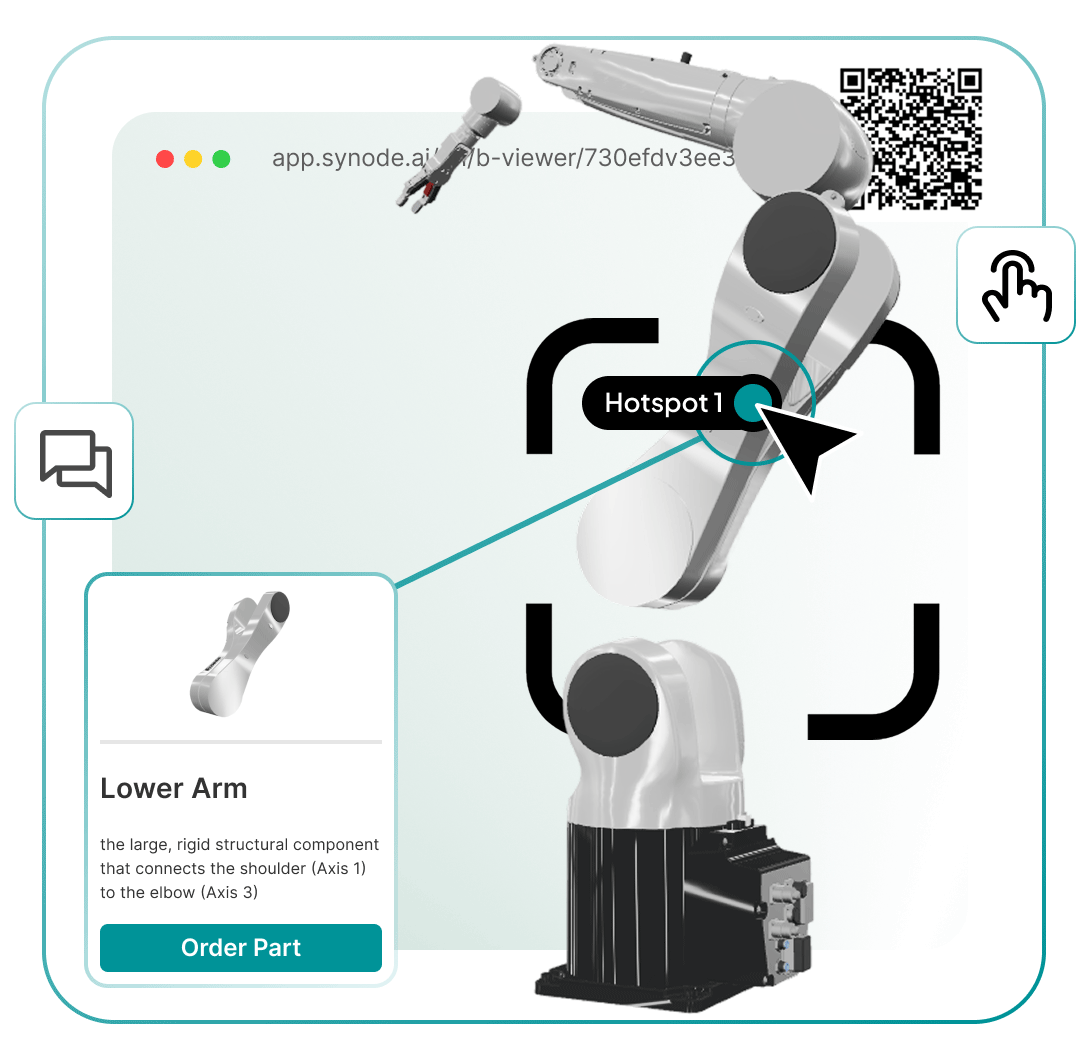
Explore real-world use cases and discover how organizations are using interactive 3D and AR
to improve engagement, training, support, and operations.